

Site Search

Search the full site

Popular searches

Level of Detail

The Detailed Difference: Why LOD Matters on Glass Projects

Quick Draw, Typical Detail, or Advanced Detailing - understanding what each level actually delivers and how to choose based on your project stage, submittal requirements, and budget.

The Detailed Difference

The level of detail question feels administrative. It's not. Choosing the wrong LOD affects cost, timeline, and - on the wrong job - your credibility with the architect and the field crew. Here's how to think about it.

What "Level of Detail" Actually Means

Level of detail isn't a quality tier. A Quick Draw isn't a sloppy drawing - it's a scoped drawing. Each LOD is calibrated to a specific use case, submittal stage, and coordination requirement. Applying the right level to the right job is what keeps projects on budget without leaving gaps that create problems downstream.

MP Drafting offers three levels. They're not upsells. They're tools.
Quick Draw

When to use it: Early-stage projects, approval-level submittals, budget-constrained jobs, or situations where full coordination isn't required yet.

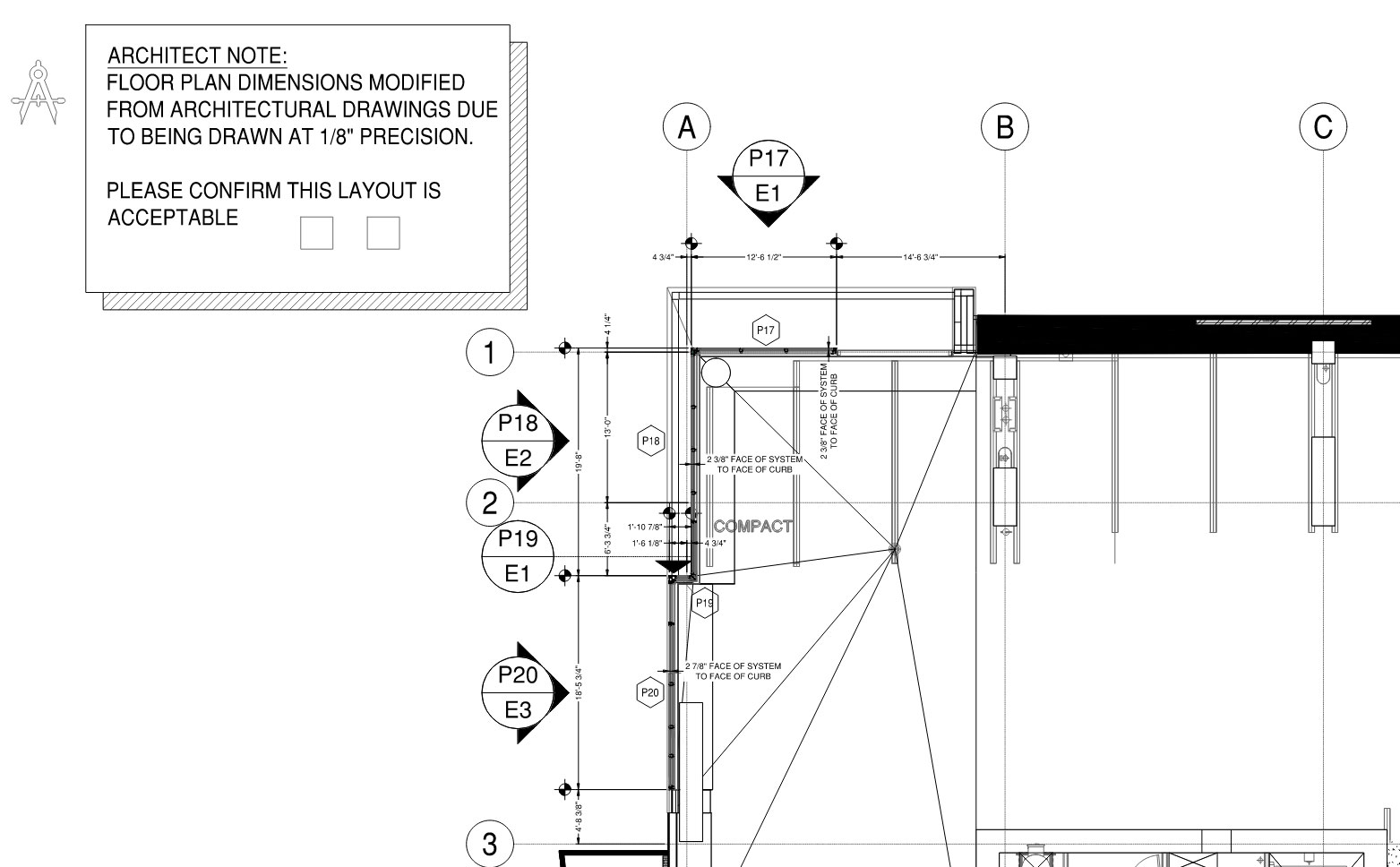
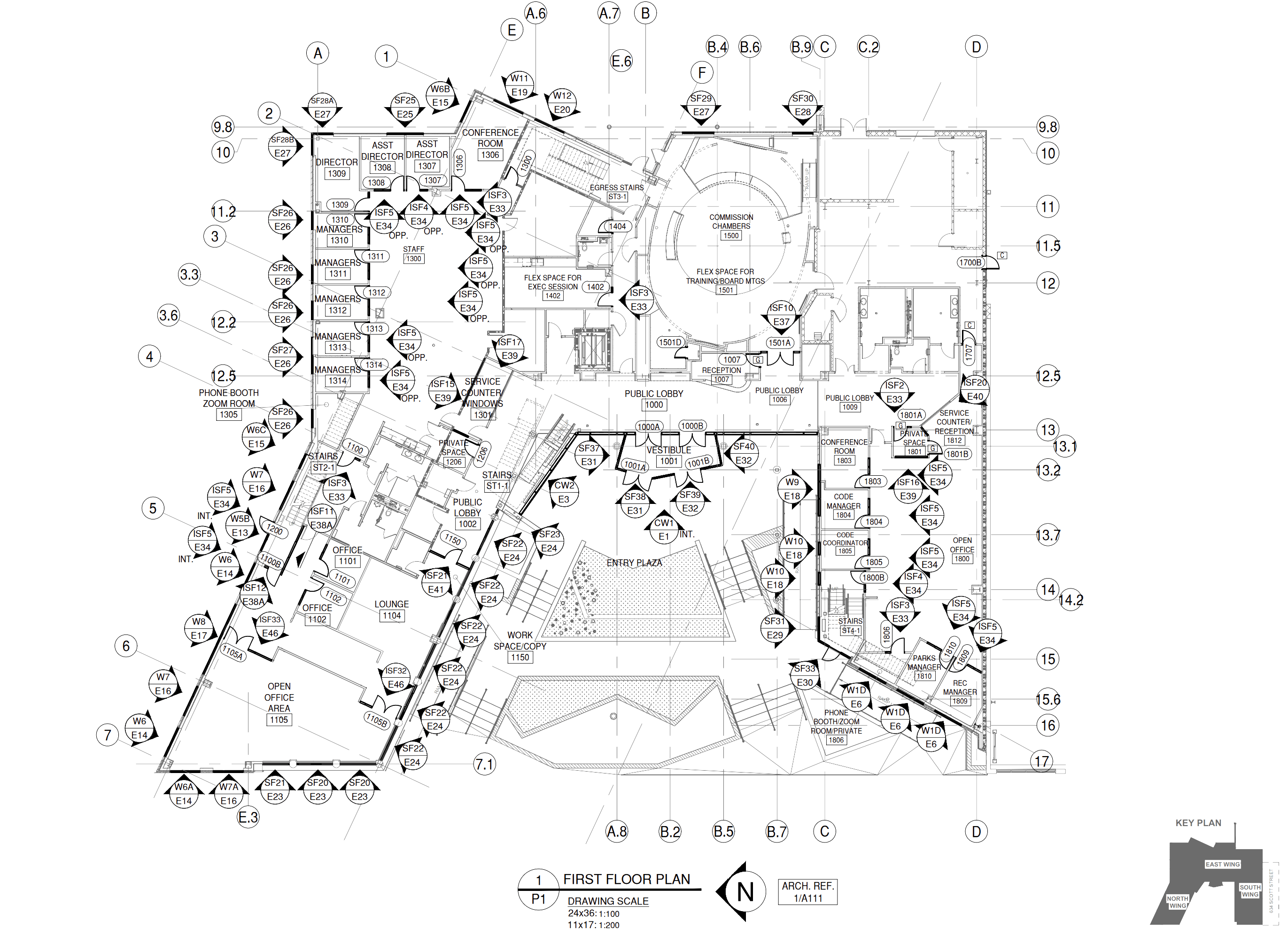
Quick Draw is a streamlined drawing set. It captures the essential geometry, system intent, and layout information needed to move the project forward - without the full coordination detail that fabrication-ready drawings require. You get clear elevations, key dimensions, and system identification. You don't get fully coordinated surrounding conditions, detailed fastener callouts, or cross-referenced architectural integration.

Quick Draw is right when the drawing has one job: get something approved and move to the next stage. It's not the right tool when the set goes directly to the field.

Typical use cases: GC approval submittals, budget-phase coordination, early design-phase layouts, pre-engineering coordination packages.

Typical Detail

When to use it: Standard commercial submittals, architect-review sets, fabrication coordination, most jobs on the commercial glazing market.

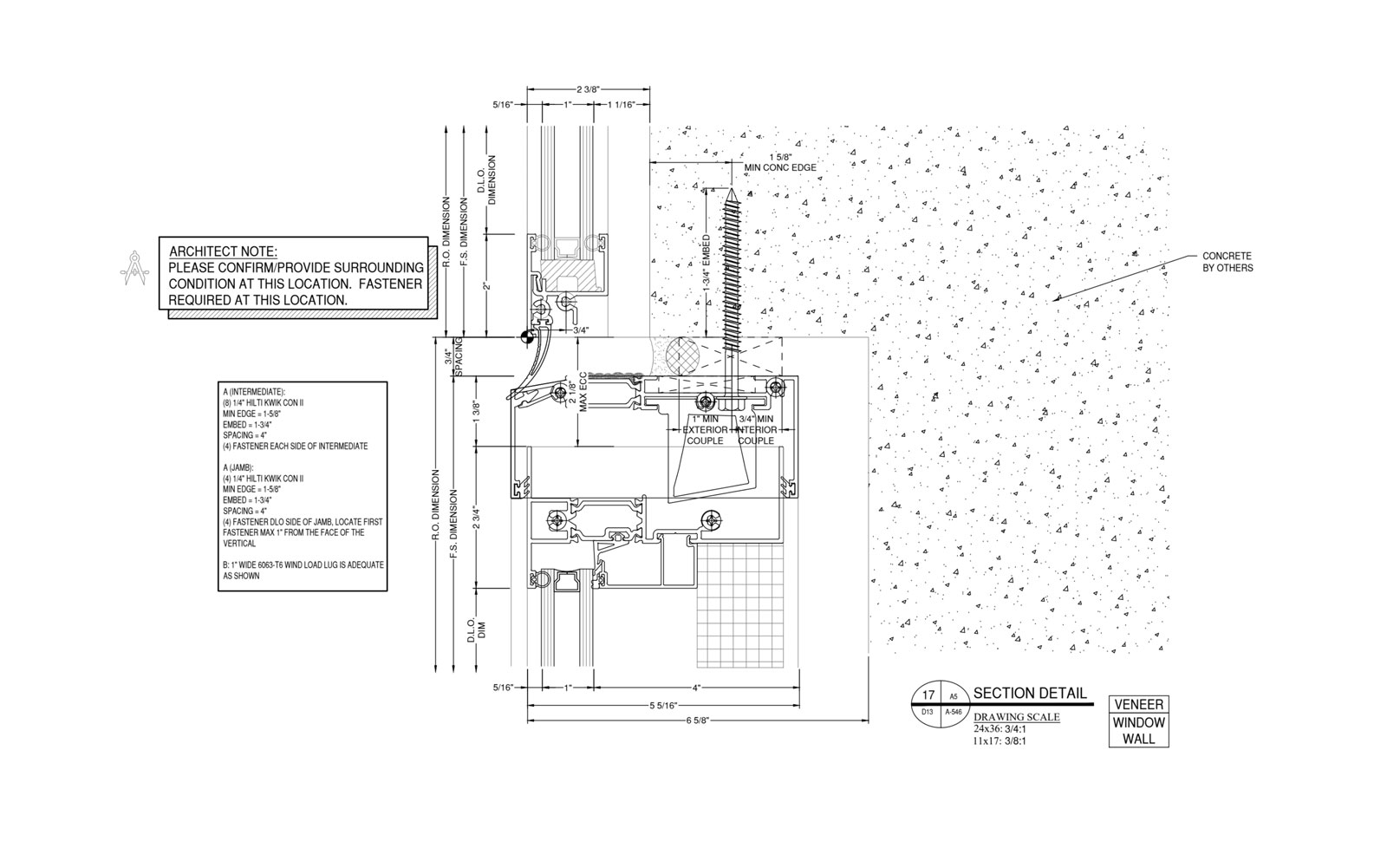
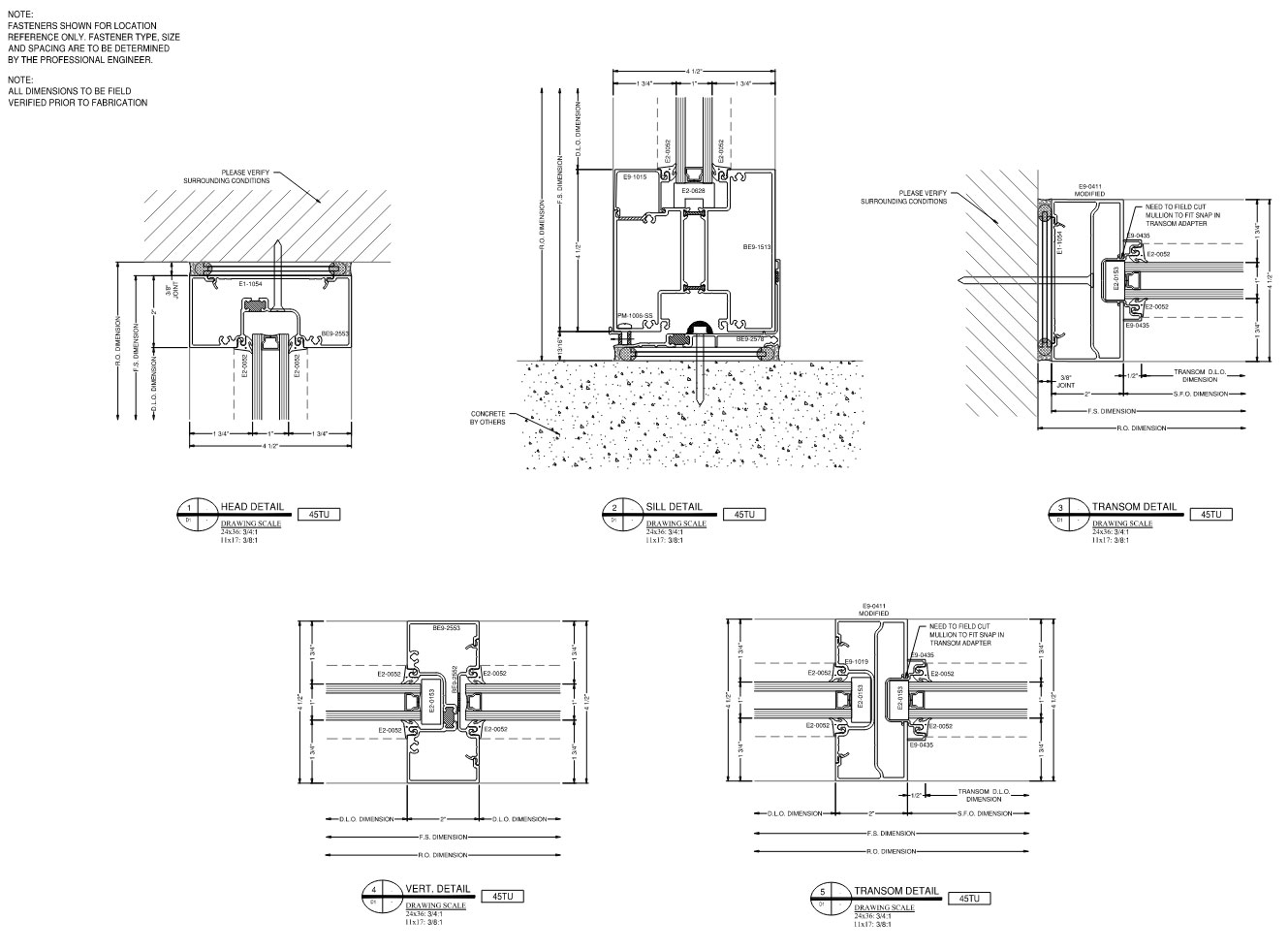
Typical Detail is the MP Drafting standard. It's what most glazing contractors actually need on most jobs. Surrounding conditions are drawn from the architectural set - not assumed or templated. Fasteners are matched to the condition type. IN/OUT dimensions, column lines, and layout references are explicit. The set is organized for architect review: clean title blocks, numbered sheets, clarifying notes where the architecture is ambiguous.

The goal of Typical Detail isn't to impress anyone. The goal is to produce a drawing set that can be approved the first time, built from without guessing, and executed without follow-up RFIs chasing missing information.

Typical use cases: Commercial storefront and curtain wall submittals, architect-review packages, fabrication coordination sets, projects where a rejected submittal costs real money.

Advanced Detailing

When to use it: Active design phase, live coordination with the architect and engineer, projects where the system is still being defined.

Advanced Detailing drafting is not a drawing product. It's a coordination service. You're not receiving a finished set - you're working with a drafter who is integrated into your design process. That means live iteration, back-and-forth with the architect's set, and drawings that evolve as the design develops. Engineering coordination is simplified into a single channel.

Advanced Detailing costs more and takes more time. It's the right choice when the alternative is producing a Typical Detail set against a moving target and revising it three times before the design is even locked. The return on Advanced Detailing is measured in avoided revision cycles, not in drawing quality.

Typical use cases: Design-build delivery, architect-led coordination, custom fabrication projects, jobs where the architectural set is still actively changing at submittal time.

How to Choose

Start with the question: what is this drawing set actually being used for?

If it goes directly to an architect for formal review and then to the field for execution - that's Typical Detail. If it's an early-stage submittal to establish scope and budget - that's Quick Draw. If the architect is still revising the design and you need to be in the room - that's Advanced Detailing.

When in doubt, the quote form will prompt you to describe your project context. We'll review and recommend a level before scoping - and we'll explain why. No upsell. If Quick Draw is right, we'll tell you Quick Draw is right.

Not sure which level fits your project?

Submit your project details and we'll recommend a level after reviewing your drawings.

Request a Quote

Featured Guides

Start here if you are vetting a drafting partner or trying to stop the same approval and revision problems from repeating.

Browse all featured guides

Ready to Work With MP?

First job or long-term relationship - we start every project the same way. A clear scope and a drawing set you don't have to babysit.