
Site Search

Search the full site

Popular searches

MP Drafting & Design

Design System

A centralized reference for MP Drafting & Design’s visual language, including color palettes, typography, and UI components. This system ensures consistency, clarity, and efficiency across all digital experiences.

Design System

Brand Foundation

This page documents the live visual system used across the new MP Drafting site. The goal is consistency: a clear type hierarchy, controlled color usage, repeatable surfaces, and interface patterns that feel technical, refined, and trustworthy.

Precision Planning

Everything should feel organized, intentional, and technically competent rather than decorative for its own sake.

Professional Contrast

Light and dark section alternation creates rhythm while keeping headings, actions, and supporting surfaces easy to scan.

System Reuse

Shared components like `mp-content`, buttons, cards, and FAQ panels should drive most page layouts before new patterns are invented.

Color System

The palette is built around navy, ink, slate, a controlled blue range, and a secondary orange accent. Surfaces stay cool and architectural, with color used to reinforce hierarchy rather than decorate every element.

Core Brand

--navy

#0e1a2b

--navy-2

#13253b

--ink

#151d29

--slate

#627082

--paper

#f6f8fb

--mist

#d9e3ee

Blue System

--blue-extra-light

#bfd4ea

--blue-light

#5a97d6

--blue

#1e73be

--blue-dark

#13253b

--steel

#b0bec5

Accent

--orange

#FF8800

Utility

--success

#66CB18

--error

#BA3C3C

--white

#ffffff

--black

#000000

--line

rgba(21, 29, 41, 0.1)

--line-dark

rgba(255, 255, 255, 0.14)

Typography

The system pairs a serif heading stack with a sans-serif body stack. Headings should feel editorial and established, while body copy stays clean and readable under production pressure.

Use the serif family for structural hierarchy and the sans family for interface copy, paragraphs, labels, and utility text.

Heading Font

`var(--font-heading)` / Iowan Old Style, Palatino Linotype, Georgia, serif

Heading One

Heading Two

Heading Three

Heading Four

Download heading stack reference
TXT

Body Font

`var(--font-body)` / Avenir Next, Helvetica Neue, Helvetica, Arial, sans-serif

Body copy should stay calm and slightly muted, letting hierarchy come from scale, spacing, and contrast rather than heavy ornament. This is the default reading voice across the site.

Small utility text, labels, and secondary interface copy inherit the same sans-serif family with tighter sizing.

Download body webfont package

Icon Font

Dingmaps is used selectively for branded glyph treatments such as the Michigan markers and utility icon accents.

Download Dingmaps
TTF

Brand Assets

The live logo system includes full wordmarks, circular marks, and icon assets for browser and mobile surfaces. White variants should always be shown on dark backgrounds. Color and black variants should sit on light backgrounds.

Logos

Primary Color Logo
Primary Color Logo

mpdrafting-color.svg

Download
Primary White Logo
Primary White Logo

mpdrafting-white.svg

Download
Primary Black Logo
Primary Black Logo

mpdrafting-black.svg

Download
Circle Color Mark
Circle Color Mark

mpdrafting-circle-color.svg

Download
Circle White Mark
Circle White Mark

mpdrafting-circle-white.svg

Download
Circle Black Mark
Circle Black Mark

mpdrafting-circle-black.svg

Download

Favicons & Touch Icons

Components

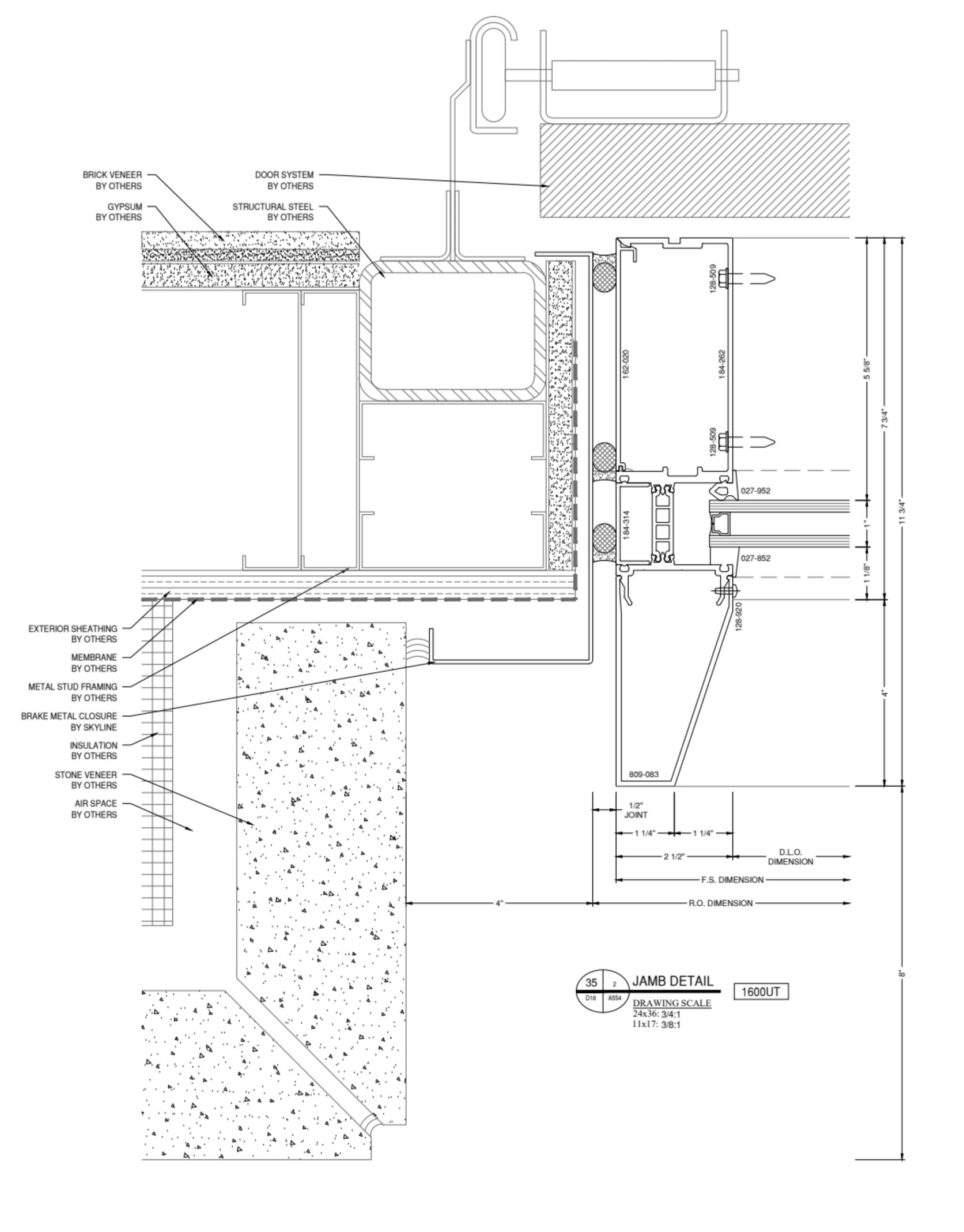
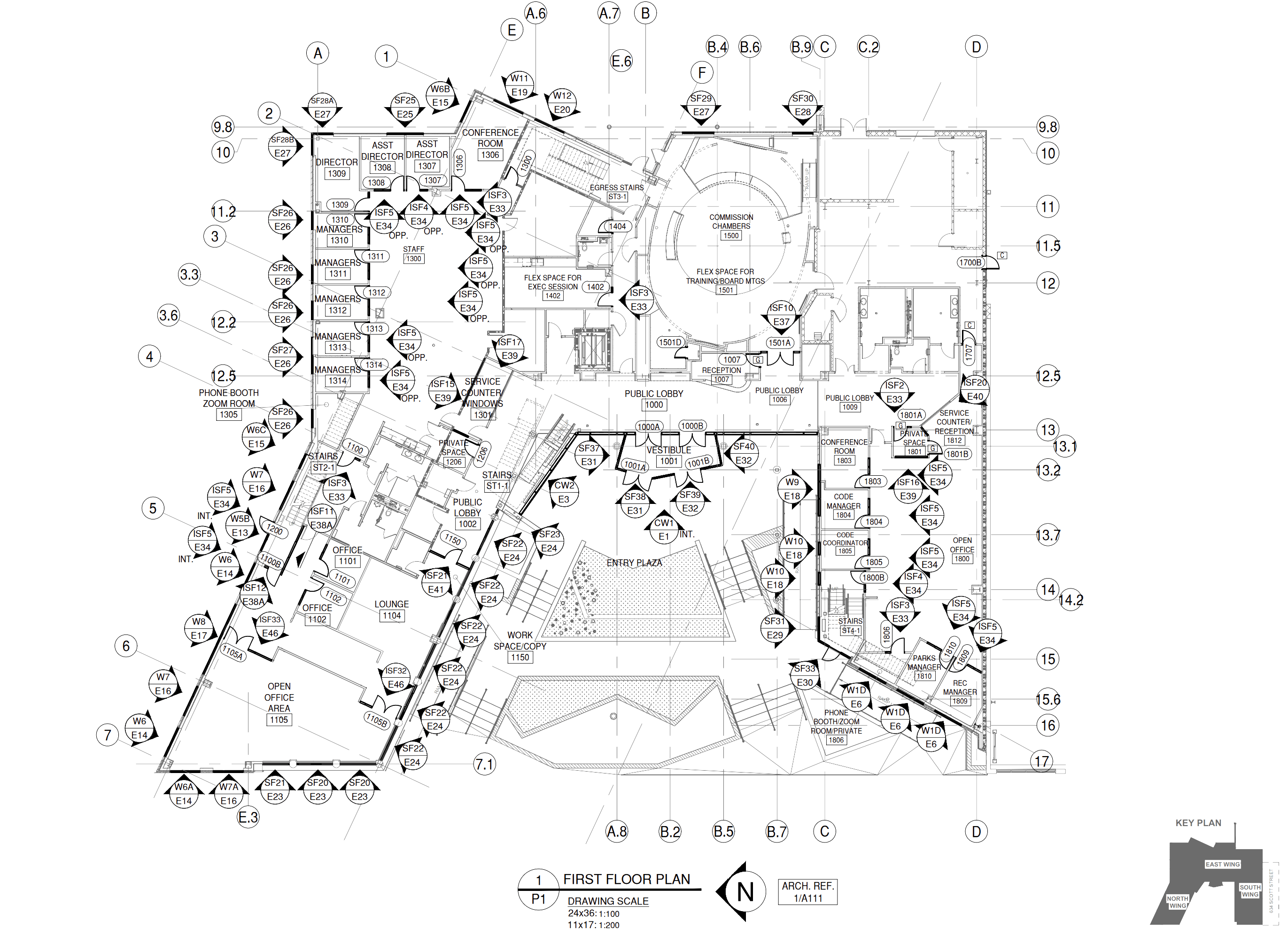
The brand system is more than tokens. These are the reusable building blocks that give MP Drafting pages their structure: media modules, FAQs, sample drawing previews, and the repeatable card language used across service and industry pages.

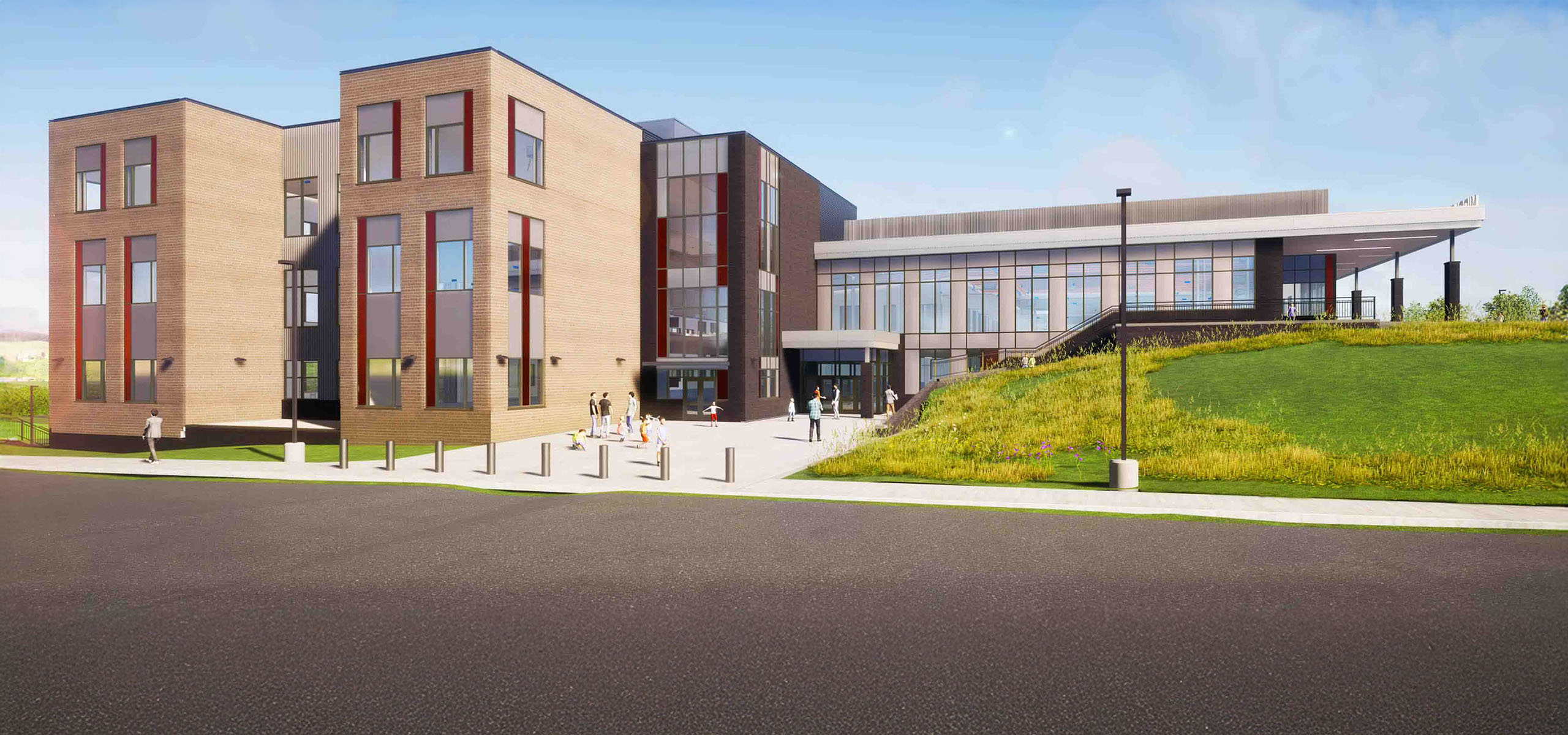
Random Image

Editorial image treatment used throughout `mp-content` sections.

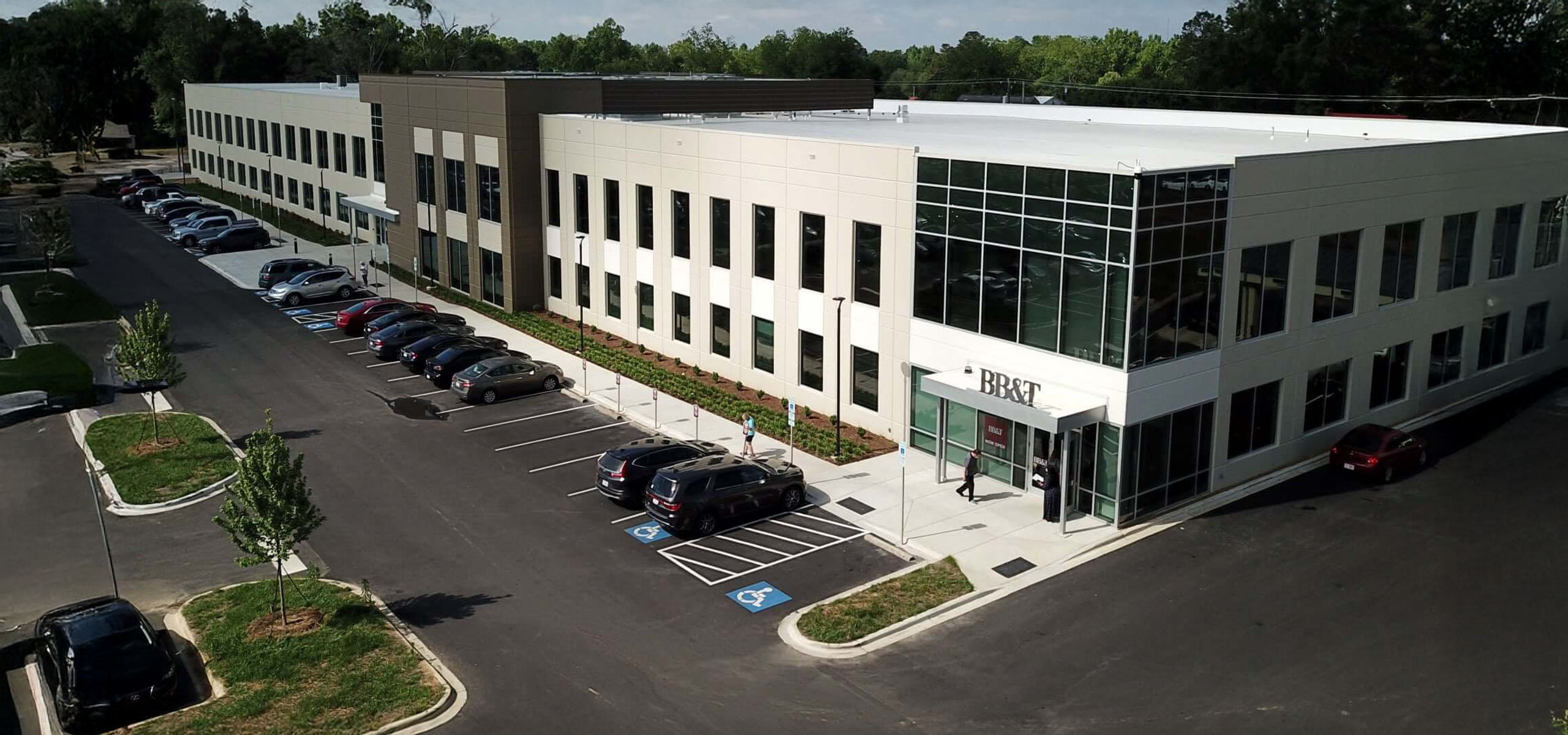
Random image component preview

Random Video

Looping thumbnail video used as a subtle motion accent.

FAQ Accordion

Expandable Q&A pattern used in embedded FAQ sections.

What makes this component consistent?

The same question, panel, spacing, and typography pattern can be reused page to page without rethinking the interaction.

Can it work in light and dark contexts?

Yes. The shared FAQ styling is already adapted for embedded content sections.

Card Language

Feature rows, note panels, and proof cards all share one surface vocabulary.

Feature item

Scoped capability or process row.

Industry card

Linked destination, proof point, or related option block.

Checklist card

  • Shared structure
  • Readable spacing
  • Consistent hierarchy

Action Group

Common button pairing pattern used across banners, content sections, and CTAs.

Use this pattern when the page needs one primary action and one proof-oriented secondary path.

Buttons

Buttons are uppercase, compact, and strongly tokenized by `data-type`, `data-color`, and `data-size`. Use primary buttons for the main action, secondary buttons for supporting actions, and keep sizing consistent within each section.

Surface Patterns

The site leans on a small family of repeatable panels: content cards, feature rows, scope blocks, notes, and soft glass-like surfaces. These create consistency across service pages, industries, and long-form editorial layouts.

Feature Item

Used for stacked highlights, process features, and scoped capability lists.

Industry / Service Card

Used for linked destinations, related support blocks, and compact proof points.

Role clarity

Drafting
Coordinates layout, conditions, clarity, and revision flow.
Engineering
Handles structural validation when the project requires it.

Notes and helper panels should feel restrained, clear, and supportive rather than promotional.

Spacing, Radius, and Shadow

Rounded corners and soft shadows help the technical content feel polished without becoming generic SaaS UI. Use larger radii on section-level surfaces and smaller radii on buttons or compact controls.

Radius Tokens

--radius-sm

0.375rem

--radius-md

0.625rem

--radius-lg

1rem

--radius-xl

1.25rem

--radius-2xl

1.5rem

--radius-pill

999px

Shadow Tokens

--shadow

0 24px 70px rgba(12, 24, 41, 0.12)

--shadow-soft

0 18px 48px rgba(12, 24, 41, 0.08)

Send us a job. We will tell you the next step.

Upload drawings, pick the level of detail, and add a short scope description. We will confirm what we need and move it forward.