


Site Search

Search the full site

Popular searches

Shop Drawing Services

Choose the Right Level of Detail for Your Shop Drawings

MP Drafting offers three clearly defined drawing tiers so you can match the package to the project phase, coordination demands, and review needs without overscoping the work or leaving critical detail unresolved.

  • Quick Draw for fast, early-stage or budget-sensitive projects
  • Typical Detail as the brand standard for most commercial submittals
  • Advanced Detailing for projects that require expanded drafting support
Level of Detail Options

One of the most common drafting problems is using the wrong level of detail for the job

Some projects only need a fast first pass with core system information. Others need a more complete package with accurate surrounding conditions, correct fasteners, coordination dimensions, and clear notes. Some need expanded support because the conditions are more complex or the customer has stricter documentation requirements.

MP Drafting uses a three-tier format to make that decision easier. The goal is not to force every project into the same package. The goal is to scope the work correctly from the start so your team gets the level of planning the project actually needs.

For experienced glazing PMs, that matters because the wrong level of detail usually creates avoidable review comments, revision churn, handoff problems, and more follow-up work later. A better fit up front usually means a cleaner path through the rest of the job.
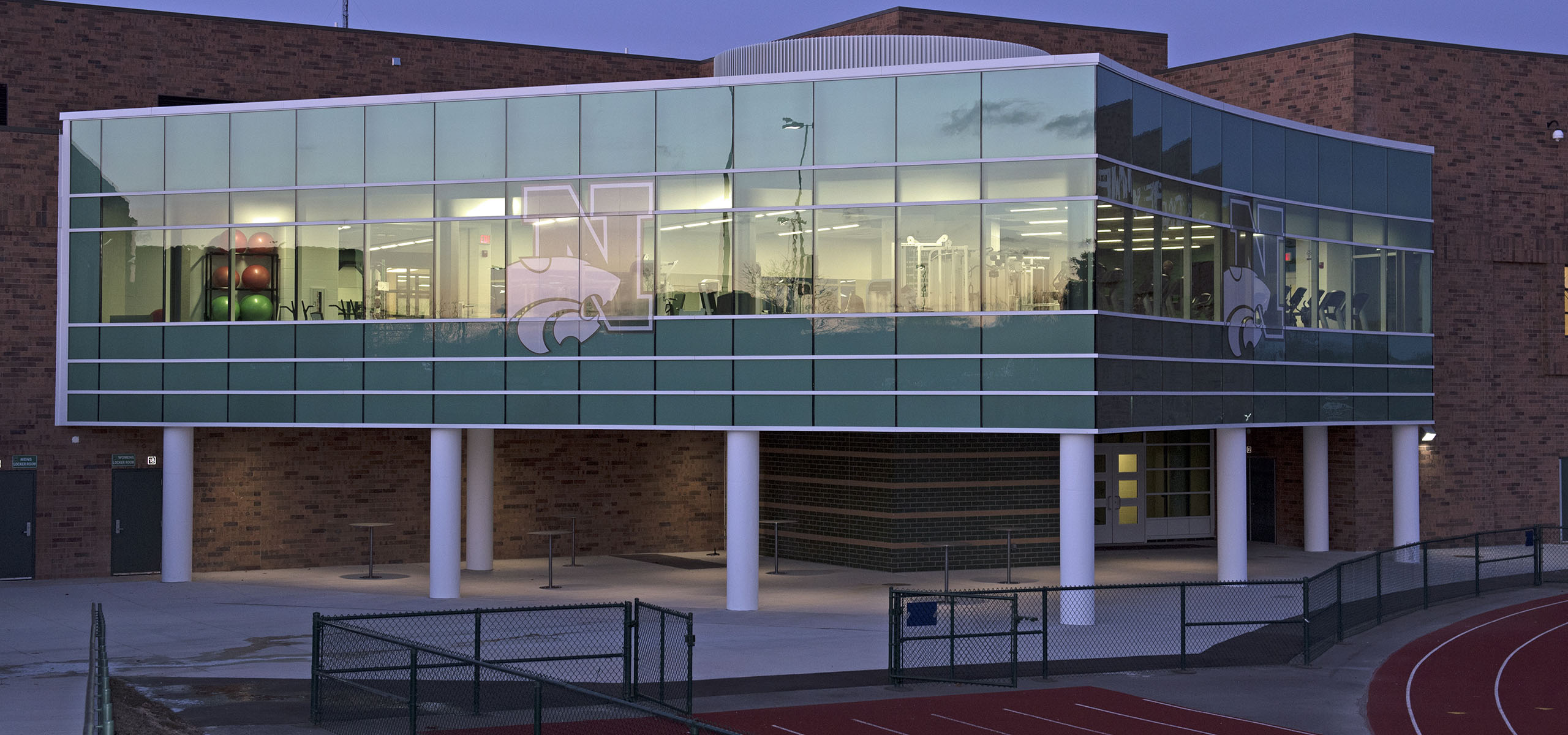
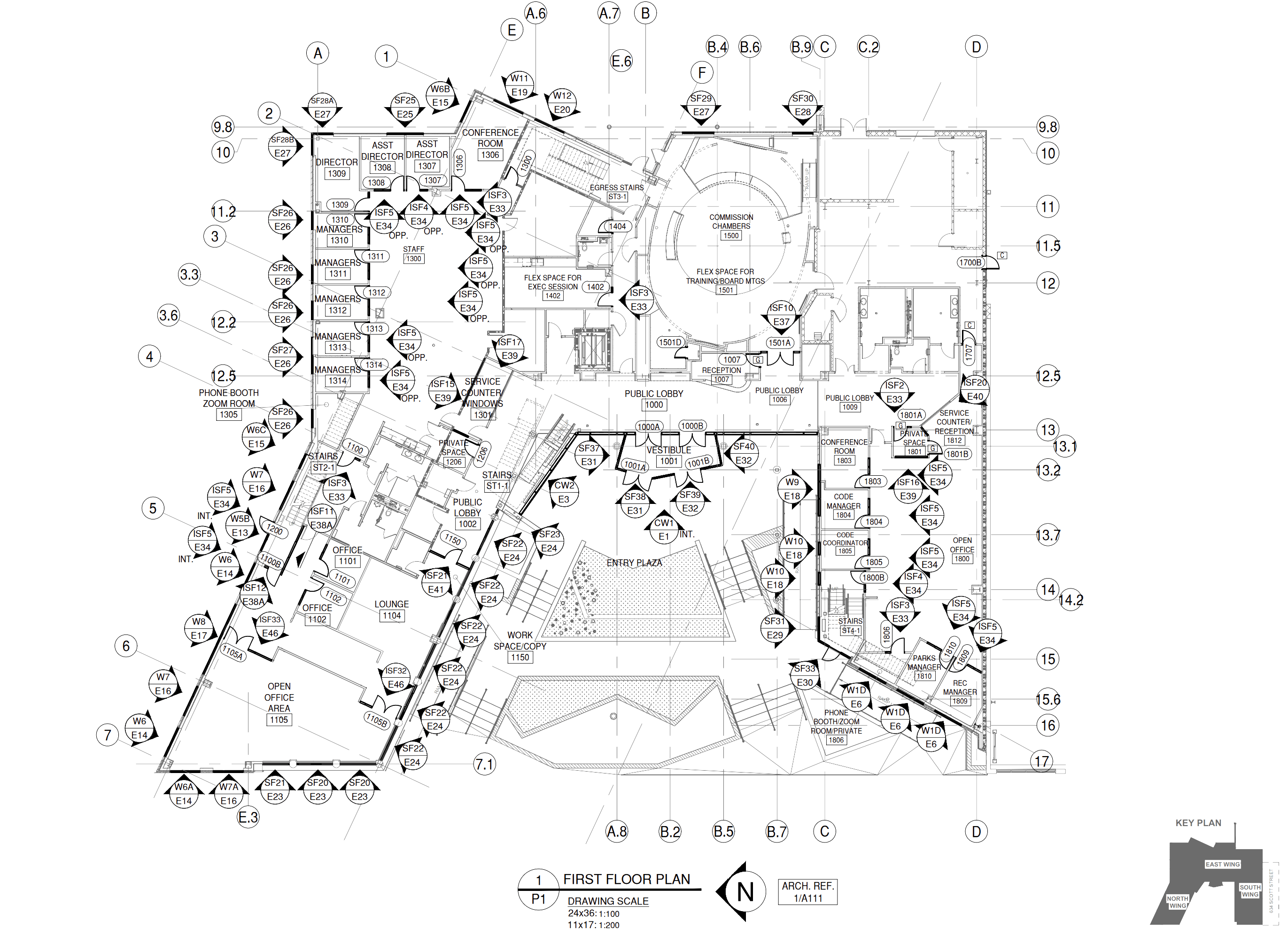
Three-tier comparison overview visual

Choose the level of detail that fits your project phase.

Not every project needs the same depth on day one. We offer three levels so you can get the right output without price shock, then scale up when the job demands it.

Level 1

Quick Draw

Fast, streamlined drawings for early-stage or budget-sensitive work.

  • Basic system details
  • Generic conditions
  • Faster Lead Times
Send Us a Job
Level 2 Brand Standard

Typical Detail

Our standard for most commercial submittals.

  • Accurate surrounding conditions
  • Correct fasteners matched to the condition
  • Coordination dimensions and column line references
  • Clear notes
Send Us a Job
Level 3

Advanced Detailing

Expanded drafting support for projects requiring more.

  • Design Assist services
  • 3D Isometrics or option detailing
  • Studies for complex conditions
  • Drawings using client standards or templates
Send Us a Job

Choose the level of detail that fits your phase

Not every project needs the same output on day one. MP uses three levels of detail to match project phase while protecting quality. This removes first-job price shock and makes it easier to start with the right deliverable, then escalate detail as the project hardens.

Feature Quick Draw Typical Detail Advanced Detailing
Basic system details
Generic conditions
Faster lead times
Accurate surrounding conditions
Correct fasteners matched to condition
Coordination dimensions & column line references
Clear notes
Design assist services
3D isometrics or option detailing
Studies for complex conditions
Client standards or templates
Engineering coordination available

How to Choose the Right Option

The right level should be based on what the package needs to support, not on habit or assumption.

Choose Quick Draw when

The project is early, budget-sensitive, or needs a fast first-round package with basic system details and generic conditions. Not a substitute for a more coordinated submittal set when one is required.

Choose Typical Detail when

The project needs MP's standard coordinated package for most commercial submittals, with accurate conditions, correct fasteners, coordination dimensions, column line references, and clear notes. This is the right default for most jobs.

Choose Advanced Detailing when

The project requires expanded drafting support such as design assist services, 3D isometrics or option detailing, studies for complex conditions, or drawings using client standards or templates.

If the answer is still not obvious

Send the job and explain the review path. The level should be based on what the package needs to support, not on habit. When inputs are still developing, a lighter package can be right for early-stage work. When the project is heading into formal review, Typical Detail is usually the right call. When conditions or documentation requirements are more demanding, Advanced Detailing is the better fit from the beginning.

Projects that will move through field verification or phased updates should also be scoped carefully early. That helps keep assumptions, revision flow, and final handoff under control as the project develops.

Include scope notes and review expectations. We will help align the tier.

What Usually Goes Wrong When the Level Does Not Match the Job

Problems start when the level of detail does not match the actual job. A project that only needs a quick early package gets treated like a full coordination effort. A project that needs stronger drawing support gets scoped too lightly and starts generating questions, redlines, and confusion once more people touch the set.

That mismatch creates the kind of workload PMs usually want to avoid. Reviewers ask for clarification. Fabricators need more information. Installers end up working from drawings that leave too much open to interpretation. The PM gets pulled into more back and forth than the project should require.

That is also when customers start looking for a new drafting partner. The recurring frustration is not only about speed. It is about confidence, communication, and whether the set is complete enough for real project use.

Level mismatch examples

  • Over-scoped Full coordinated set built for a fast early package. That means time and cost spent before the design is settled.
  • Under-scoped Quick Draw used for a formal submittal. Review comments, revision churn, and handoff problems follow.
  • Wrong tier Typical Detail used when conditions or templates require Advanced Detailing. That creates gaps late in the review path.

How the Right Level Supports Fabrication and Installation

Choosing the right level of detail early improves what happens later. Fabricators benefit when the package includes the right level of condition information, dimensions, and notes to answer fewer questions before production starts. Installers benefit when the drawings are specific enough to reduce guesswork in the field.

That does not mean every project needs Advanced Detailing. It means the package should match what the job and the team actually need. A lighter package can be right for early-stage work. A standard coordinated package can be right for most commercial submittals. Expanded detailing can be right when the conditions are more complex or the documentation burden is higher.

The practical value stays the same across all three levels. Better planning up front usually means less confusion pushed downstream.

Fewer fabrication questions

The right level of condition information and dimensioning reduces back-and-forth before the shop begins work.

Cleaner field handoff

Drawings that are specific enough for the project phase reduce guesswork during installation and help crews place work correctly.

Controlled revision path

Scoping the right level up front keeps revision expectations aligned and prevents the set from being rebuilt after formal review begins.

FAQs

Level of Detail Questions

Common questions about choosing between Quick Draw, Typical Detail, and Advanced Detailing for your glazing project.

Can we start with one tier and move to another later?

In some cases, yes. Projects sometimes begin with a lighter package and move into a more detailed level once inputs, approvals, or coordination needs become clearer. That should be discussed early so the scope stays aligned.

Does Advanced Detailing include engineering?

No. Drafting and engineering are separate roles. Advanced Detailing expands the drafting support. Engineering remains structural validation when required.

How do I know which tier my project needs?

Start with what the drawings need to accomplish. If the job is early and needs speed, Quick Draw may fit. If it needs a coordinated commercial submittal, Typical Detail is usually right. If the conditions or documentation needs are more demanding, Advanced Detailing may be the better option.

What do you need from us to quote the correct level?

Architectural drawings, scope information, and any notes about review expectations, exclusions, special standards, or client requirements help determine the right tier.

What if our current drafting provider is not keeping up?

That is a common reason customers reach out. MP is often brought in when communication has dropped off, timelines are slipping, or the current set is not giving the team enough confidence.

What is Advanced Detailing used for?

Advanced Detailing is for projects that need more drafting support than a standard submittal package. That can include design assist services, 3D isometrics or option detailing, studies for complex conditions, or drawings using client standards or templates.

What is the difference between Quick Draw and Typical Detail?

Quick Draw is a streamlined option with basic system details and generic conditions for faster early-stage support. Typical Detail is the standard coordinated package for most commercial submittals, with accurate conditions, correct fasteners, coordination dimensions, column line references, and clear notes.

What makes Typical Detail the brand standard?

It is the level that best fits most commercial submittals. It gives the project the coordination clarity most teams need without moving into expanded detailing unless the job truly requires it.

View Complete FAQs More questions answered clearly.

Need help choosing between Quick Draw, Typical Detail, and Advanced Detailing?

Send the drawings, scope, and review expectations. MP Drafting will help you match the project to the right tier so the work is scoped correctly from the start and easier to move through review, handoff, and downstream coordination.